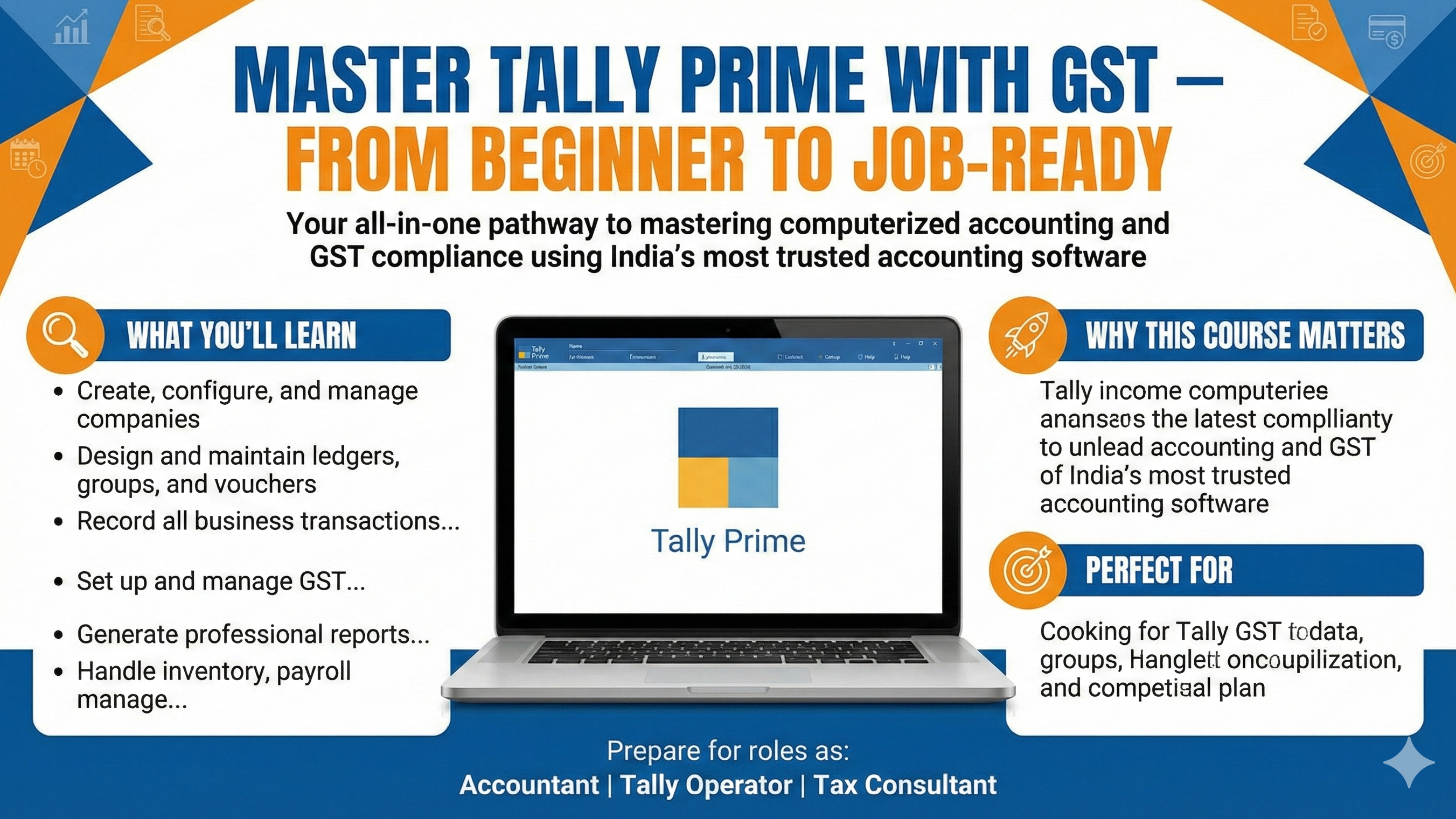
Tally Prime (Latest Release) With GST
Product information
- Number of chapters
- 21 Chapters
- Number of contents
- 102 Contents
Master Tally Prime with GST — Learn computerized accounting from basics to advanced level with hands-on practical training. This course covers company creation, vouchers, inventory, payroll, and GST return filing — everything you need to become a confident Tally Prime expert and job-ready accountant.
🧾 Introduction to Tally Prime with GST
Welcome to the Tally Prime with GST course — your complete guide to mastering computerized accounting and Goods & Services Tax (GST) compliance in one of India’s most trusted accounting software platforms.
In today’s digital era, every business — whether small, medium, or large — relies on accurate financial records and efficient tax management. Tally Prime is the leading accounting software that simplifies business operations, from bookkeeping and inventory to GST filing and financial reporting.
This course is designed to take you from basic to advanced levels, helping you build a strong foundation in accounting concepts while gaining hands-on experience in Tally Prime. You’ll learn how to:
-
Create and manage companies, ledgers, and vouchers
-
Record and maintain all types of transactions (sales, purchases, receipts, payments, etc.)
-
Implement GST in Tally Prime — including configuration, tax calculation, and return filing
-
Generate professional reports like balance sheets, profit & loss statements, and GST returns
-
Manage inventory, payroll, and advanced features for business automation
By the end of this course, you’ll have the practical skills and confidence to handle real-world accounting and GST operations — making you job-ready for roles like Accountant, Tax Consultant, or Tally Operator.
📘 Course Content Outline – Tally Prime with GST
Introduction to TallyPrime
• Pricing of Tally Application – Modules & License Types
• Download and Installation of TallyPrime
• Licensing Options
– Education Mode
– License from Network
– Activate New License
• Creating Your First Company in TallyPrime
• Introduction to TallyPrime Pre-defined Vouchers
• Recording Simple Purchase & Sales Transactions
• Recording Contra, Receipt & Payment Vouchers
• Recording Journal Entries in TallyPrime
• Updating Opening Balances for Ledgers
• Updating Opening Stock for Stock Items
• TallyPrime Data Recording – Step-by-Step Process
Billing in TallyPrime with GST
• Introduction to GST – Basic Concepts
• GST Classifications & Place of Supply
• Recording GST Purchases & Sales (Traditional Method)
• Recording GST using Auto-Billing
• Creating Separate Input & Output GST Ledgers
• Billing Configuration – Adding Company Logo
• Billing Configuration – Additional Description for Stock Items & Ledgers
• Billing Configuration – Enable Rate Inclusive of Taxes
• Sales Voucher Numbering Configuration
• Invoice Printing Configuration
– Invoice Status
– Bank Details
• Recording GST Services
• Recording GST Expenses – Claimable & Non-Claimable
• Recording GST Assets – Claimable & Non-Claimable
Inventory Management
• Creation of Units of Measurement
• Stock Group – Creation & Alteration
• Stock Category – Creation & Alteration
• Stock Item – Creation & Alteration
• Activation of Batch-Wise Details for Stock Items
• Allocation of Batch Details in Purchase Invoice
• Selling Stock from Batch & Identifying Expired Batches
• Returning Expired Batch Stock Items
• Activation of Price Levels
• Defining Price Levels & Creating Price Lists
• Using Price Lists in Sales Vouchers
• Revising Price Lists
• Activation of Purchase Orders & Sales Orders
• Activation of Delivery Notes & Receipt Notes
• Activation of Debit Notes & Credit Notes
• Purchase Management
– Purchase Order
– Receipt Note
– Purchase
– Purchase Return
• Sales Management
– Sales Order
– Delivery Note
– Sales
– Sales Return
• Creation of Godowns
• Managing Multiple Godowns in TallyPrime
• Manufacturing Accounting in TallyPrime
Bill-Wise Accounting & Receivables / Payables
• Bill-Wise Details for Purchases
• Bill-Wise Details for Sales (Bills Receivable)
• Tracking Overdue Bills
• Managing Advances using Bill-Wise Accounting
TallyPrime with Banking
• Cheque Book Configuration
• Cheque Printing in TallyPrime
• Post-Dated Cheques (PDC) Management
• Bank Reconciliation in TallyPrime
• Auto Bank Reconciliation Process
TallyPrime Release 5.0 – Advanced GST Features
• Creating Ledgers using GSTIN
• Importing Party GSTIN Details
• Checking Party GST Filing Status
• Filing GSTR-1 Directly from TallyPrime
TallyPrime Finalization & Year-End Closing
• Golden Rules of Accounting
• Capital & Drawings Adjustments
• Party Settlements, Discounts & Bad Debts
• Appreciation & Depreciation Adjustments
• Prepaid Expenses & Outstanding Adjustments
• Data Backup Procedures
• Splitting Company Data for New Financial Year
Payroll Management
• Payroll Setup & Configuration in TallyPrime
• Employee Creation & Salary Structure
• Payroll Voucher Entries
• Payroll Reports
GST Returns & E-Way Bill
• Understanding GST Returns & Return Types
• GSTR-1 Tables – Detailed Explanation
• Filing GSTR-1 using TallyPrime
• Understanding GSTR-2A & GSTR-2B
• Filing GSTR-3B
• E-Way Bill Registration & Generation